Find answers across your organization's content with BizChat
Search your entire company's SharePoint, emails, and Teams conversations in one question — and get a cited answer, not a list of links.
Stage: First-Party Agents · For: End user, Manager · Level: Starter · Time: 5 min
When to use this
You need an answer that lives somewhere in your organization — a policy buried in a SharePoint doc, a decision made in a Teams meeting three months ago, a number from a spreadsheet someone else owns. You don't know exactly where it is, and searching SharePoint returns 400 results.
Microsoft 365 Copilot Chat (BizChat) is grounded on your organization's entire content graph: emails you've exchanged, Teams conversations you've been part of, SharePoint sites you have access to, and files shared with you. Ask it a question and it synthesizes the answer with citations — so you can verify the source.
What you'll need
- M365 Copilot license — Microsoft 365 Copilot Chat at office.com or the M365 Copilot app
- Access to the content where the answer lives (BizChat can only see what you have permission to access)
Try it now — the prompt
Open Microsoft 365 Copilot Chat and paste:
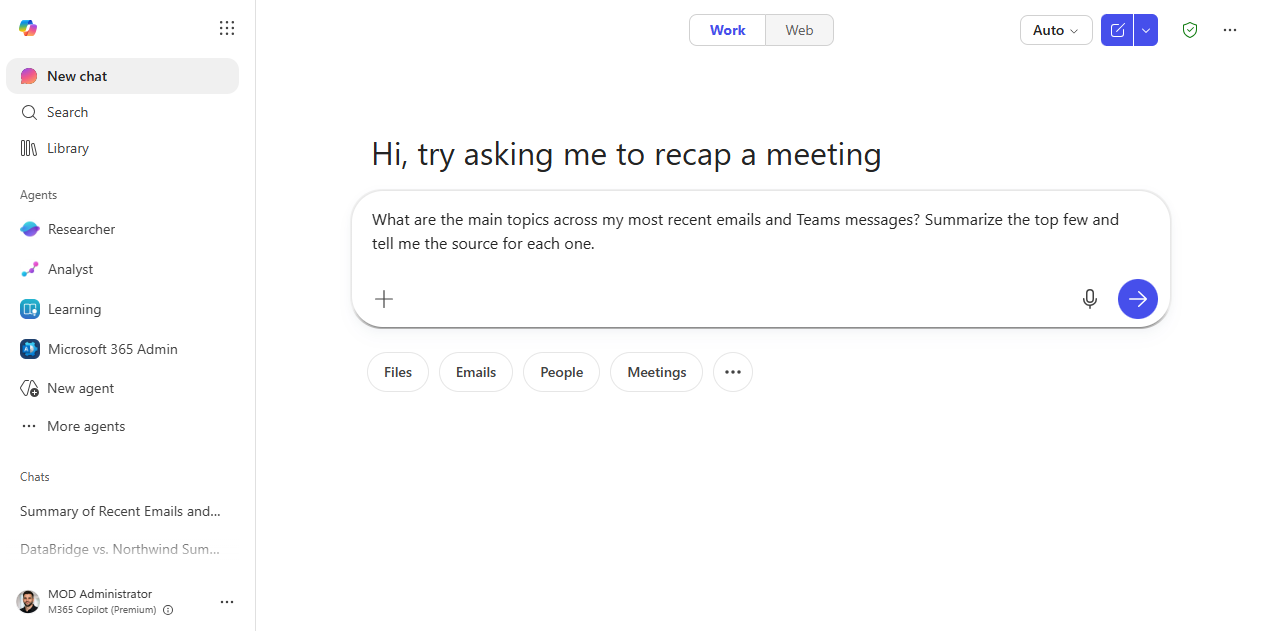
Find information about [topic] from across our company's SharePoint, emails, and Teams.
Summarize what you find and tell me where each piece of information came from.
Why this prompt works: Asking Copilot to cite sources is key — it keeps you from accepting hallucinated answers and lets you open the original document in one click to verify.
Step by step
- Open Microsoft 365 Copilot Chat at office.com, in Teams, or in the M365 Copilot app.
- Ask your question in plain language. Don't try to construct a search query — just ask what you'd ask a knowledgeable colleague.
"What's our process for approving travel over $5,000?""What did we decide about [product feature] in the Q3 planning meeting?""What's the current status of [project] from recent emails?"- Check the citations. Each piece of the answer should link to a source. Click through to verify the key facts — especially for anything involving policy, numbers, or commitments.
- Narrow the scope if needed:
- Ask a follow-up to go deeper:
Screenshots
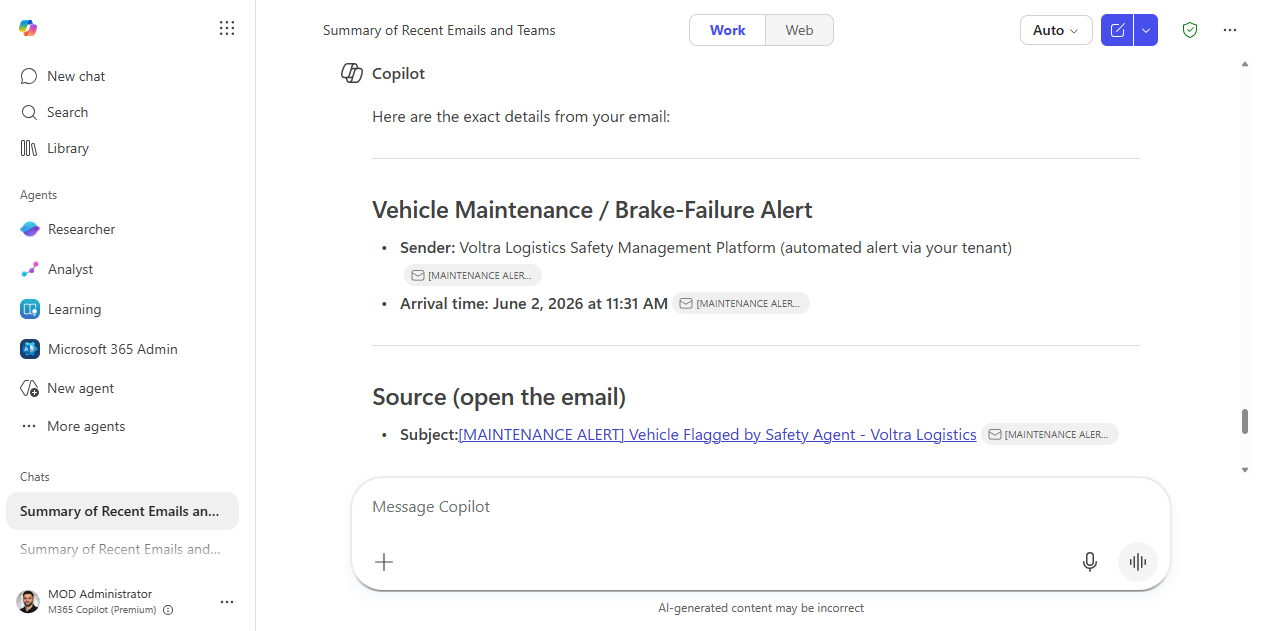
Captured live in Microsoft 365 Copilot Chat (BizChat, Work mode). The product UI moves fast — if what you see differs, trust the numbered steps above, which we keep current.
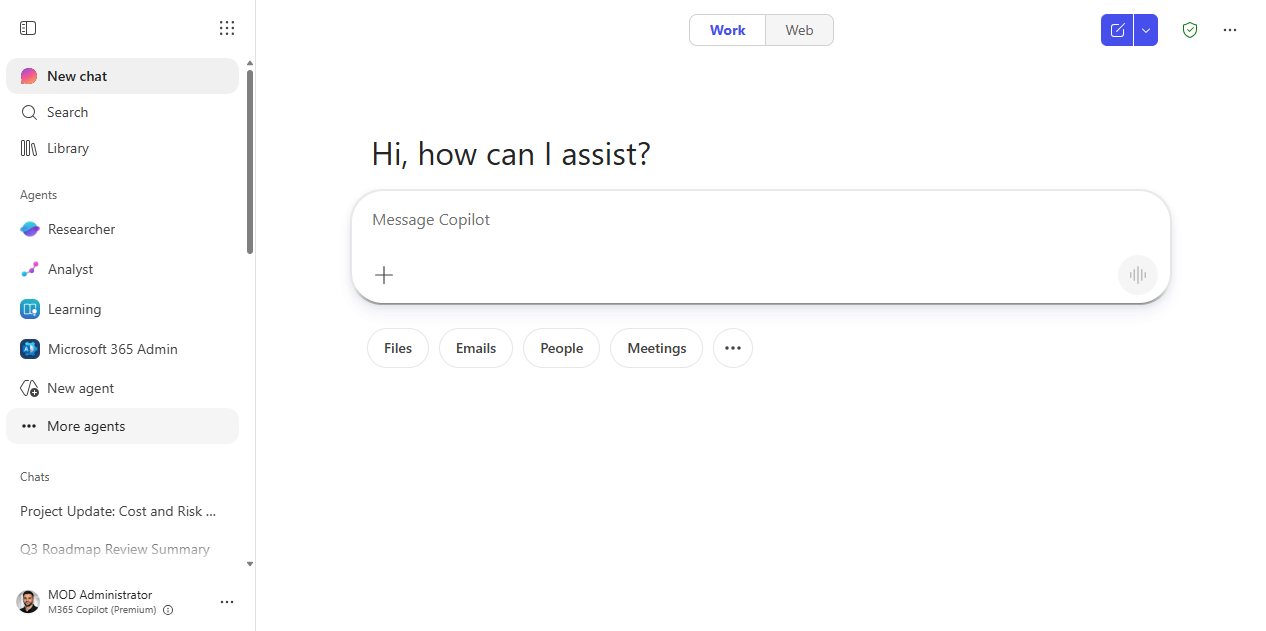
1. Open BizChat. Microsoft 365 Copilot Chat in Work mode, grounded on your org's content.
2. Prompt entered. The cross-content question typed into the composer.
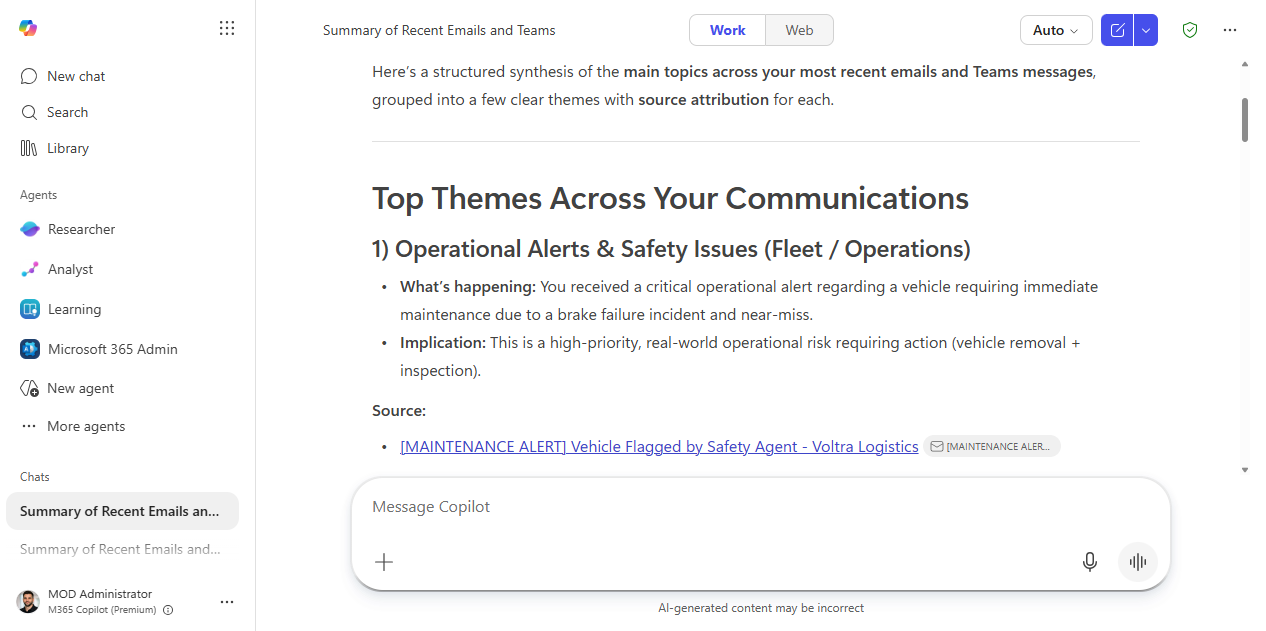
3. A cited answer. A synthesized answer that groups themes across email and Teams, with a labelled Source link for each you can click to verify.
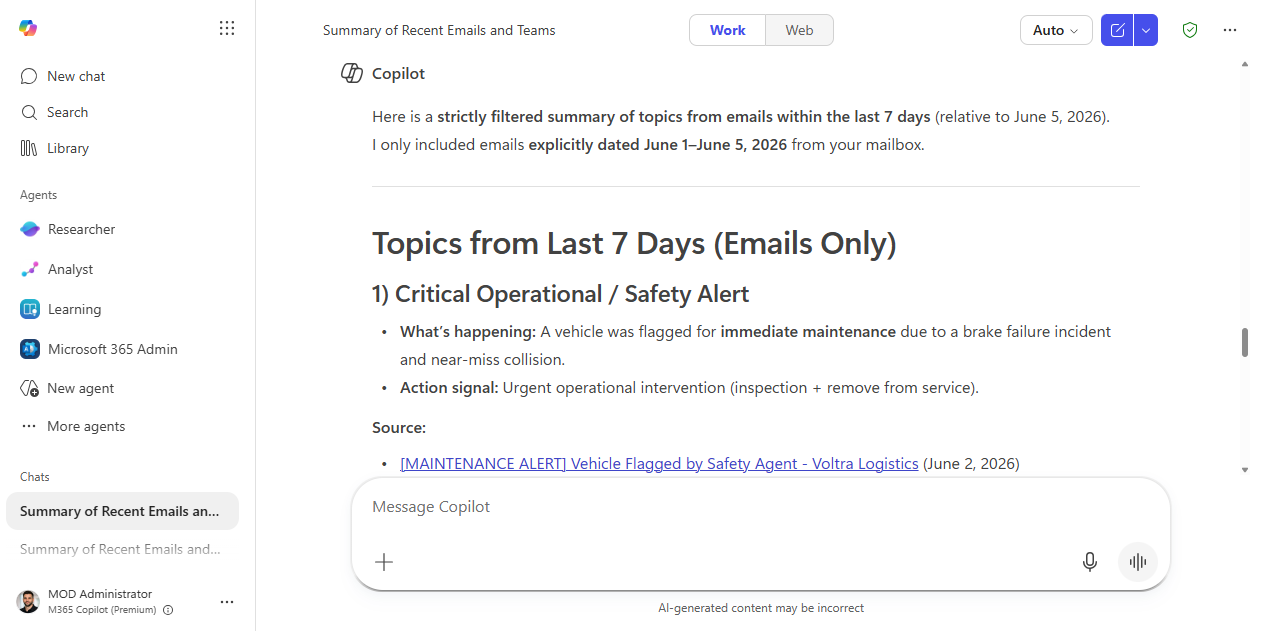
4. Narrow the scope. The same question re-scoped to a date range — here, just the last 7 days of email — each topic still cited.
5. Go deeper. A follow-up pinning down who sent a specific item and when, with the source email linked to open.
Make it better
- People-based search:
"What has [colleague's name] shared recently about [topic]?"— useful for catching up on a teammate's work. - Decision archaeology:
"Was there ever a decision made about [X]? Summarize the context."— surfaces decisions from old threads you weren't part of. - Content gap check:
"Is there any documentation in SharePoint about [process]? If not, summarize what you can find from emails and Teams."— useful for champions building knowledge bases. - Compare to the public web: unlike a standard web search, BizChat grounds on your org's data. For topics that span internal and external knowledge, you may want to supplement with a standard Researcher deep-dive.
Watch out for
- Citations show where an answer came from, not that it's complete. BizChat only sees content you have permission to see, so a gap can look like an absence.
- A confident synthesis across many sources can blur conflicting messages. When the answer matters, open the cited items and read them.
- Recency varies by source. Ask “as of when?” before you treat a grounded answer as current.
Where this leads (the ramp)
A cited BizChat answer is perfect when one good question gets you what you need. When the question is really a research project — read these twelve documents, reconcile them, and produce a deliverable — Cowork runs that as a multi-step task instead of a single turn.
Next: Cowork: synthesize a deliverable across many documents
Related
Thanks — glad it helped. Spotted something to improve anyway? Suggest it →
Sorry this didn't land. Tell us what broke → so we can fix that rung of the ramp.
Found an issue or want to suggest an improvement? Open a GitHub issue · Star on GitHub